
How to solve boot partition full issue in CentOS
Date: 12-12-2020
Introduction:
Once you updated the kernel versions on the server the old and current kernel files will store in the boot partition only. So you will get the boot partition full issue. You directly don’t remove the files from the boot partition. You can follow the below steps to solve this issue.
Step 1: SSH login to the server. You should keep the current kernel version files and the previous kernel version files on the server. To check the current kernel version by using the below command.
#uname -a
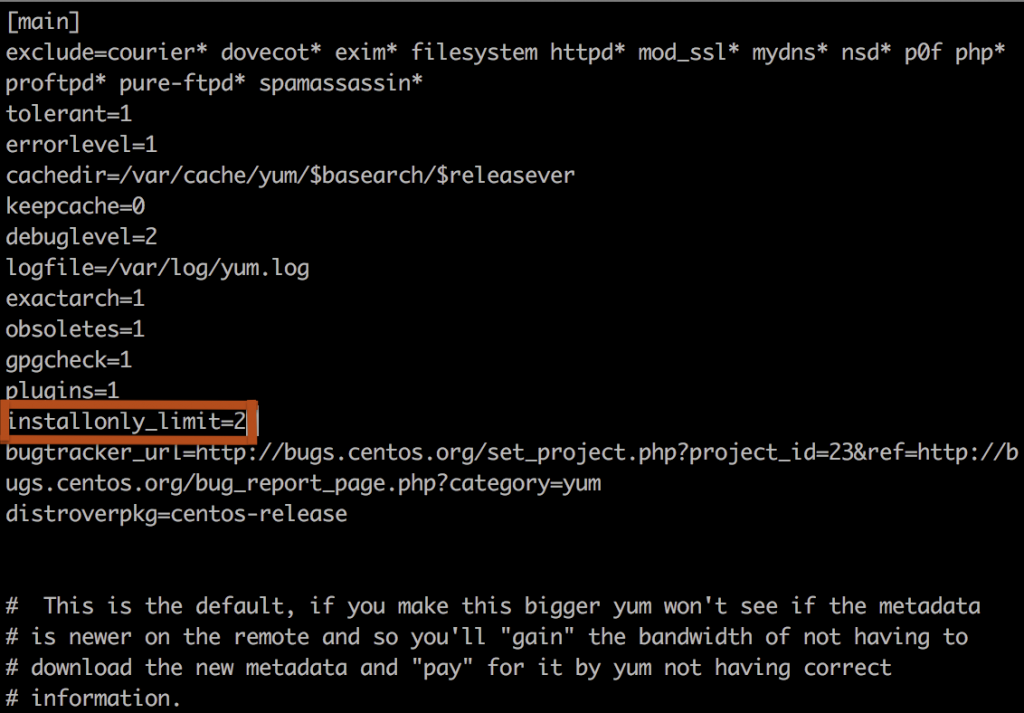
Step 2: Set the below parameter on /etc/yum.conf
installonly_limit=2
Step 3: Install yum utilities by using the below command.
#yum install yum-utils
Step 4: You can remove the old kernel files by using the below command.
#package-cleanup --oldkernels --count=2
Thank you!