
Post Date: February 14, 2019
Last Updated: October 08, 2026
Introduction
This guide explains how to enable mod_filter in Apache on CentOS. Apache ships with the filter module, but it isn’t loaded by default — so if you use a filter directive like FilterDeclare in your site configuration without it, you’ll see an error like:
Invalid command 'FilterDeclare', perhaps misspelled or defined by a module not included in the server configuration
The steps below apply equally to AlmaLinux, Rocky Linux, and other RHEL-compatible distributions, since CentOS 7 itself is past end-of-life.
Prerequisites
Before you enable mod_filter in Apache on CentOS, make sure you have:
- A CentOS (or RHEL-compatible) server with Apache (
httpd) installed - Root or sudo access
Architecture
- Apache loads its functionality through modules, each declared with a
LoadModuleline in its configuration - A directive like
FilterDeclarebelongs tomod_filter— if that module isn’t loaded, Apache doesn’t recognize the directive and throws the error above - Loading the module makes the directive available, with no other changes needed
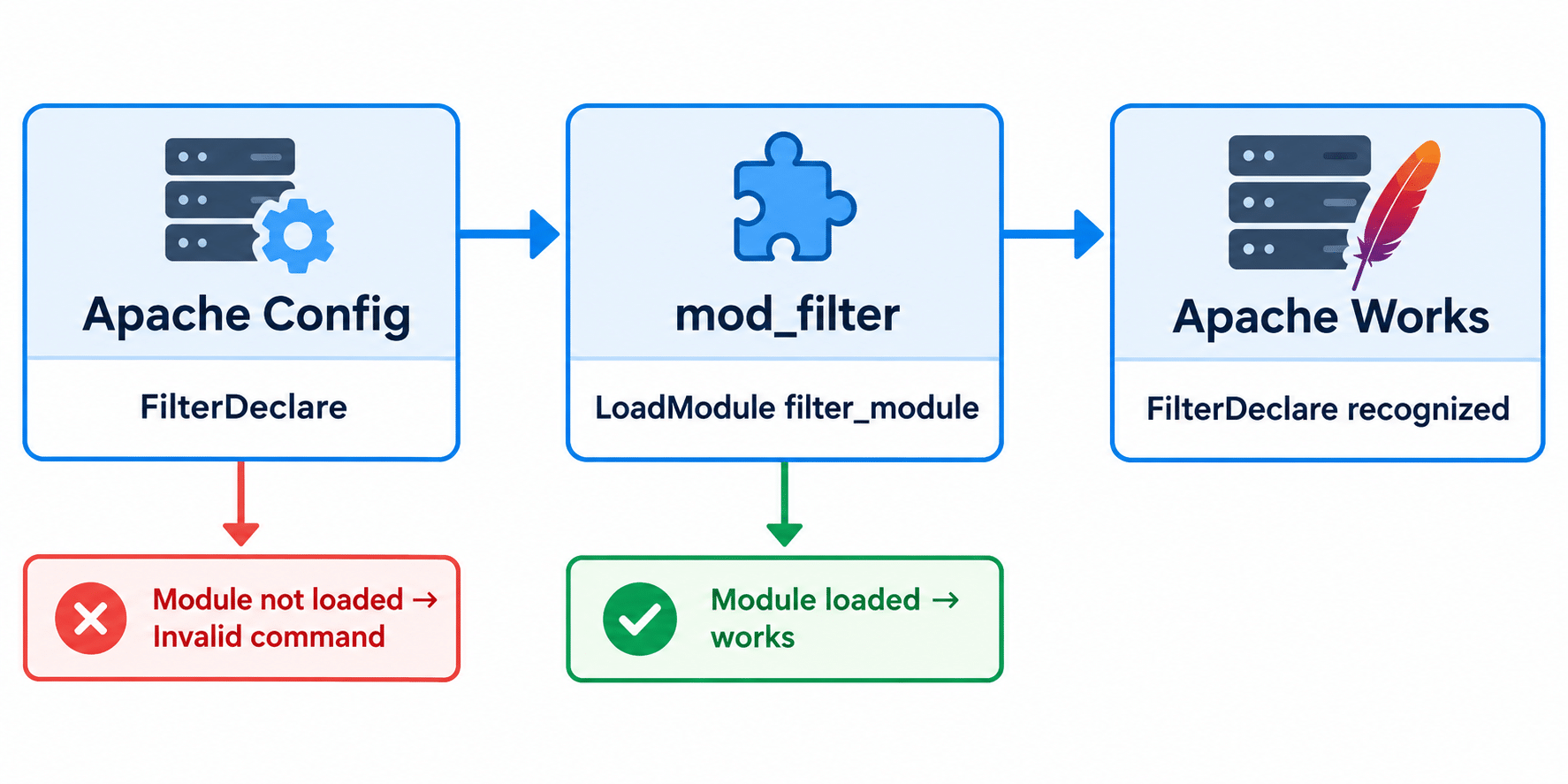
The diagram below shows how to enable mod_filter in Apache on CentOS: without the module loaded, the directive fails; once the LoadModule line is in place, it’s recognized.
For the full directive reference, see the official Apache mod_filter documentation.
Steps to Enable mod_filter in Apache on CentOS
1. Check Whether the Module Line Already Exists
On CentOS 7 and later, module loading is split across files in /etc/httpd/conf.modules.d/, rather than all living in the main httpd.conf. The line may already be there, just commented out:
grep -r "filter_module" /etc/httpd/conf.modules.d/ /etc/httpd/conf/httpd.conf
If you see #LoadModule filter_module modules/mod_filter.so (commented out), simply remove the # instead of adding a second line — duplicate LoadModule lines can cause warnings or errors.
2. Add the LoadModule Line (If Not Already Present)
If the line isn’t there, this is the change that actually lets you enable mod_filter in Apache on CentOS:
vi /etc/httpd/conf.modules.d/00-base.conf
Add:
LoadModule filter_module modules/mod_filter.so
Note: The original guide added this directly to
httpd.conf. That works, but on current CentOS versions, keeping module declarations inconf.modules.d/follows the distribution’s intended layout and is easier to maintain.
3. Test the Configuration
apachectl -t
You should see Syntax OK. Catching a mistake here is much safer than discovering it after a restart takes Apache down.
4. Reload Apache
systemctl reload httpd
Note: The original used
service httpd graceful.gracefulisn’t a standard action for theservicecommand on systemd-based systems like CentOS 7+ —systemctl reload httpdis the correct way to reload Apache’s configuration without dropping active connections. Alternatively,apachectl gracefuldoes the same thing directly.
5. Verify the Module Loaded
apachectl -t -D DUMP_MODULES | grep filter_module
Expected output:
filter_module (shared)
Conclusion
Learning how to enable mod_filter in Apache on CentOS comes down to checking whether its LoadModule line already exists (commented out), adding or uncommenting it in conf.modules.d/, testing the configuration, and reloading Apache with systemctl reload httpd. Always run apachectl -t before reloading — it’s the simplest way to avoid taking a live server down over a typo.
Frequently Asked Questions
Why did “service httpd graceful” not work for me? graceful isn’t a standard action for service on systemd systems — use systemctl reload httpd or apachectl graceful instead.
Will adding a duplicate LoadModule line break Apache? It can cause warnings or errors, which is why Step 1 has you check whether the line already exists, commented out, before adding anything new.
Do I need to restart Apache fully to enable mod_filter in Apache on CentOS, or is a reload enough? A reload is enough — it applies the new module without dropping active connections, unlike a full restart.
Related Articles
How to Set Up Apache Password Authentication on CentOS
How to Install ModSecurity and OWASP CRS on Apache Ubuntu
Talk to Our Technology Experts
Configuring Apache modules or tuning your web server setup? Our team can help with Apache configuration, performance tuning, and ongoing server support.