
Introduction:
Amazon Lightsail is a web service that provides an easy-to-use platform for deploying and managing virtual private servers (instances) on the Amazon Web Services (AWS) cloud.
Procedure:
Step1:
Login at https://lightsail.aws.amazon.com/ls/webapp/home/instance and for the instance you want to change click the SSH connect icon:
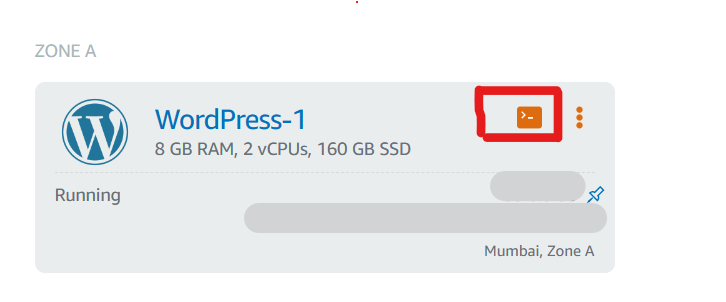
Step 2:
In the terminal window type.
Open wp-config.php with the below command.
$ cd /opt/bitnami/wordpress/
$ vi wp-config.php
Step 3:
Change the below lines in wp-config.php
use the down arrow on your keyboard to find the lines that contain the code:
define(‘WP_SITEURL’, ‘http://’ . $_SERVER[‘HTTP_HOST’] . ‘/’);
define(‘WP_HOME’, ‘http://’ . $_SERVER[‘HTTP_HOST’] . ‘/’);

TO

define( ‘WP_HOME’, ‘https://yourdomain.com’ );
define( ‘WP_SITEURL’, ‘https://yourdomain.com’ );
then save the file and close the Terminal window.
Step 4:
Go back to the instance page and click reboot.
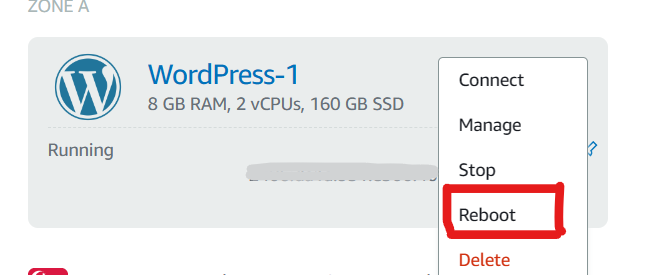
Step 5:
once it has come back up – log into your WordPress admin > go to Settings > general and you should see it.
