
How to start the SSH service if it fails after rebooting the server
Introduction:
If you’re having trouble accessing your server via SSH after a reboot, there are several common issues that you can check. Use the below steps to recover SSH access.
Prerequisite:
1. Server root login credentials.
Step 1:
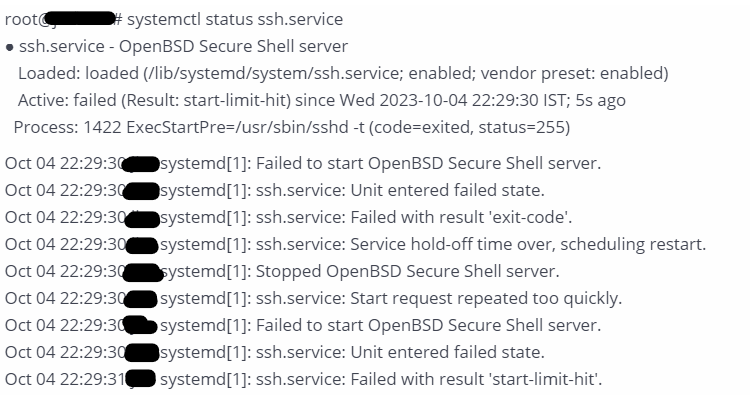
Please check the SSH service status.
| $ systemctl status ssh.service |

Check the sshd configuration status.
If it shows an error like “Missing Privilege Separation Directory: /var/run/sshd”
| $ sudo sshd -t |
Step 3:
Please create the directory sshd
| $ mkdir -p /var/run/sshd |
Modify ownership to that directory
| $ chown root:root /var/run/sshd |
Restart the SSH service
| systemctl restart ssh |
Recheck the configuration of the OpenSSH server.
| sudo sshd -t |
