
Introduction:
Node.js is a JavaScript runtime environment that allows developers to write server-side applications using the same language as client-side web development. It uses an event-driven, non-blocking I/O model that makes it efficient and scalable, even for handling large amounts of data in real-time. Its rich library of modules and tools makes it a popular choice for building web APIs and microservices.
Prerequisites:
SSH login details
Procedure:
Step 1: Login to the server via ssh
$ ssh username@IP
Step 2: Install the Node.js stable version.
$ sudo apt install nodejs -y
The above command is used for ubuntu os, For centos you can use yum instead of apt.
Step 3: Verify the installed Node.js version.
$ sudo nodejs -v
Step 4: Create the sample .js file using the command as mentioned below,
$ sudo vim test.js
Step 5: Copy paste the below content in that test.js file
| const http = require(‘http’); const hostname = ‘127.0.0.1’; const port = 3000; const server = http.createServer((req, res) => { res.statusCode = 200; res.setHeader(‘Content-Type’, ‘text/plain’); res.end(‘ Hello World!‘);}); server.listen(port, hostname, () => { console.log(`Server running at http://${hostname}:${port}/`); }); |
Step 6: Start the node using the following command,
$ sudo node test.js
Now the node gets started.
Step 7: If the port is blocked in the firewall run the below command to allow the port,
$ sudo iptables -I INPUT 1 -p tcp –dport 3000 -j ACCEPT
Step 8: Then try to start a node, using the node command below.
$ sudo node test.js
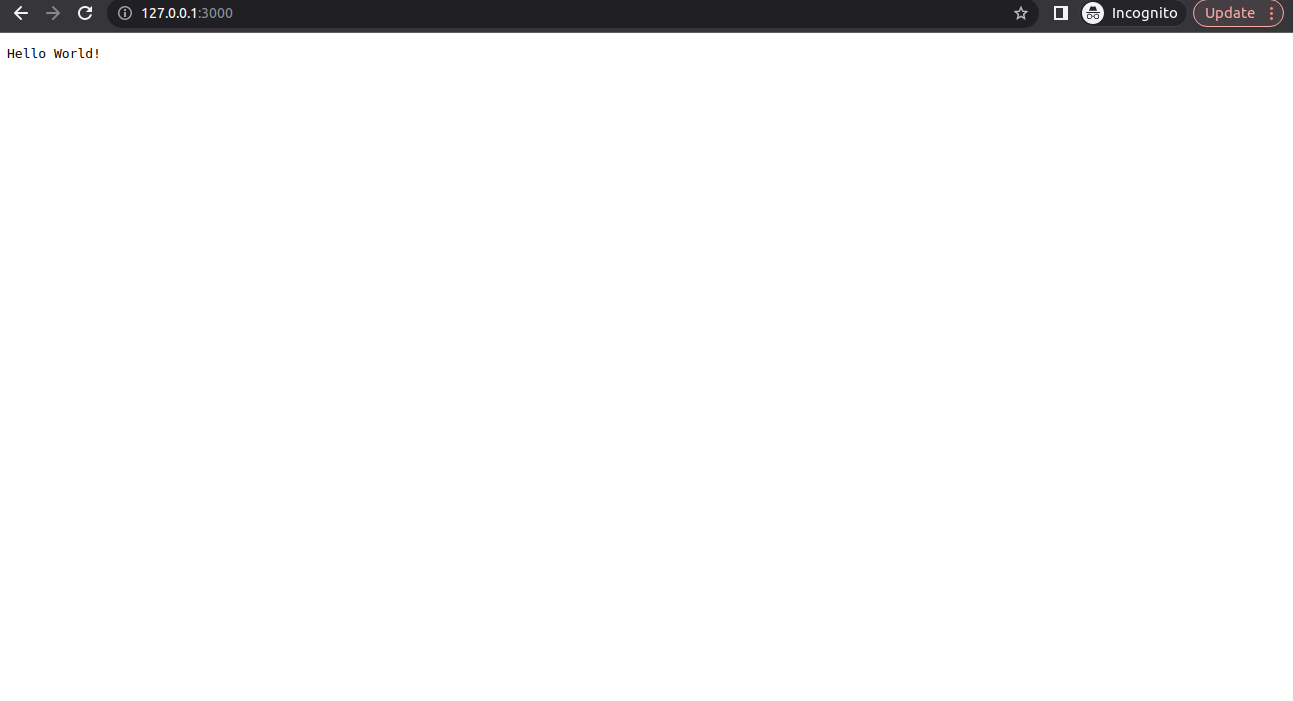
Open a browser and enter url http://127.0.0.1:3000/. The browser will display Hello World! message on the screen.
Conclusion:
You have installed Node.js and successfully started the node on server.