
Install Let’s Encrypt SSL on CentOS Webpanel Domain
Install Let’s Encrypt SSL on CentOS Webpanel Domain
Date posted : 25/01/2019
In this blog post, we are going to explain how to install Let’s encrypt free SSL for user domains
Prerequisites
- CentOS Webpanel root Access
- Domain name
Step 1
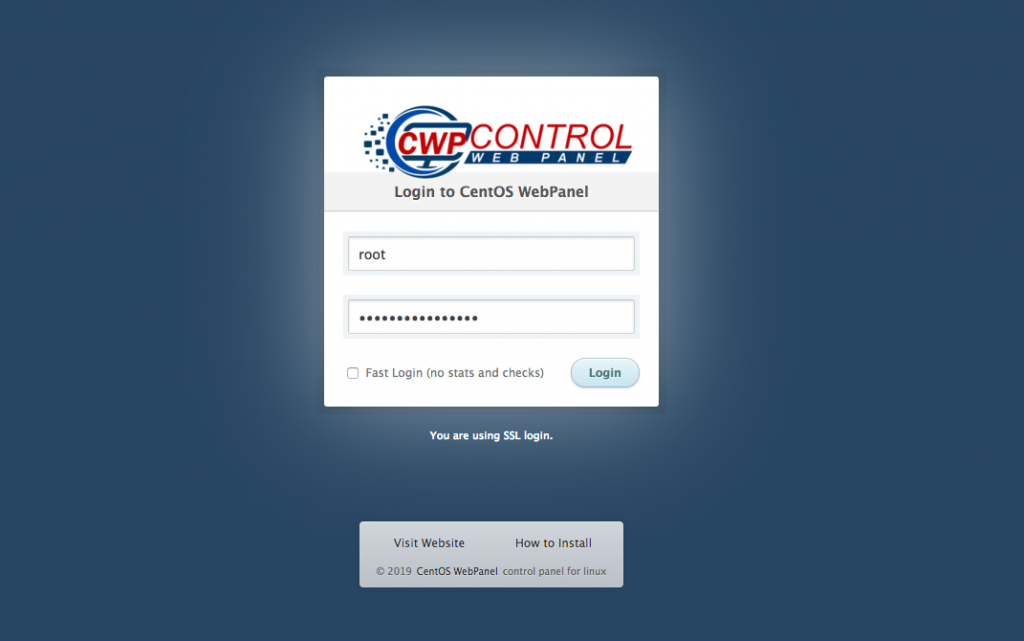
Login to CentOS Webpanel as root
Step 2
Under Navigation option, type SSL in search box
Then select “SSL Certificates”
Step 3
Click “AutoSSL Free”
Select username from the list. Ex. pheonix
Select the domain name. Ex. pheonixsolutions.com
Click “Install SSL”
Step 4
Finally verify the SSL from SSL Shopper website
https://www.sslshopper.com/
Thank you! for using PHEONIX SOLUTIONS.
You find this tutorial helpful? Share with your friends to keep it alive. Be the first to comment, we value your suggestions. For further queries please comment below.
