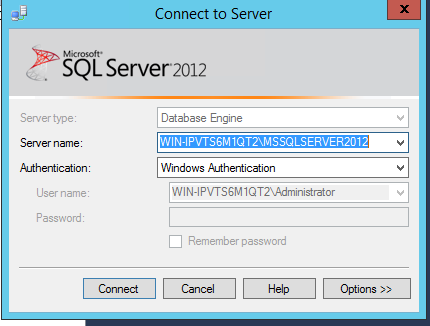
How to install SQL management Studio on plesk server
How to install SQL management Studio on plesk server
Date Posted: 29-09-2017
Sql management studio is a management tool used to connect to your MSSQL server from your windows server.
Assumption:
- Windows Server
- MSSQL Server.
Implementation:
Login to server using RDP.
Download the SQLManagementStudio_x64_ENU.exe from the below URL.
http://www.microsoft.com/en-us/download/details.aspx?id=29062
Double click on the installer.
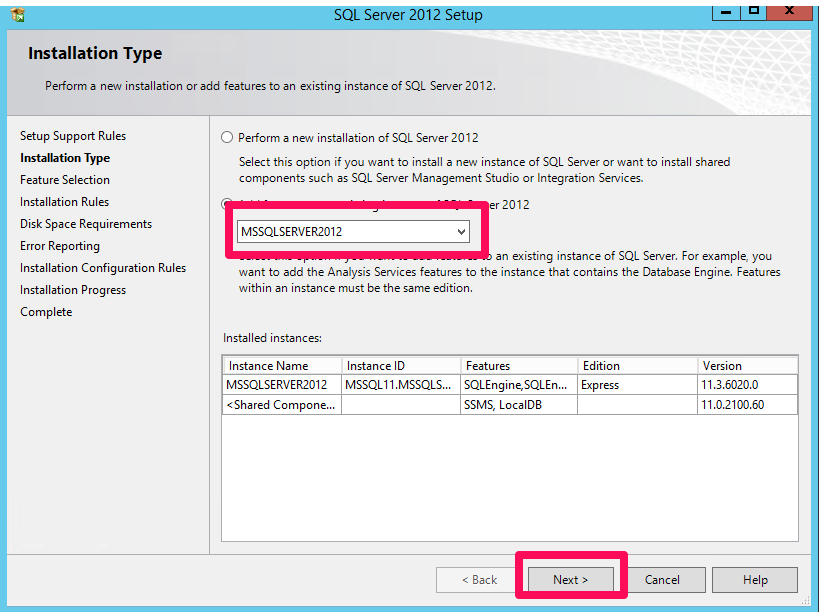
Select Add Features to an existing instance of SQL Server 2012
Select All and click on Next
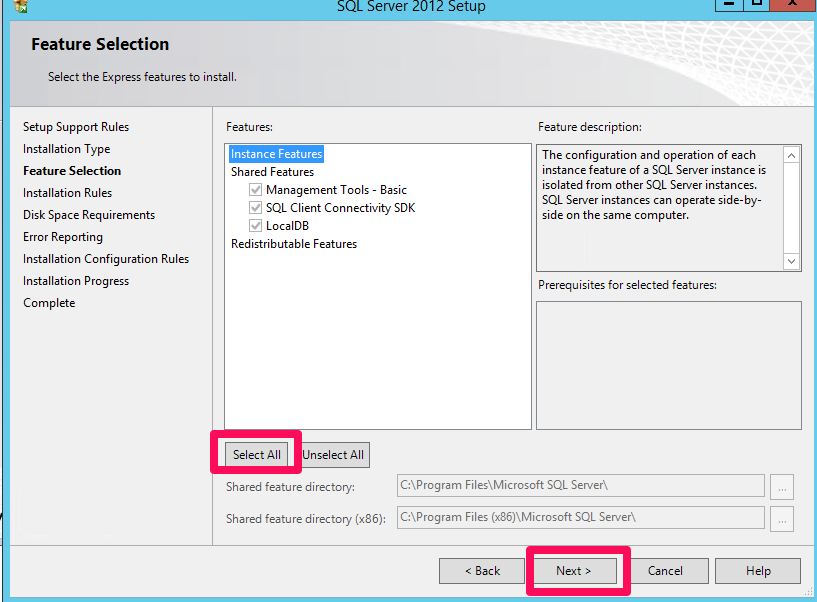
Click on Next for all the remaining steps to complete the installation.
Open Sql management Studio and click File > Connect Object Explorer